CPUT Logo
Information Sources:

Audio-visual


Main Contents Page

About Information Literacy

STEP 1: STARTING out

STEP 2: FINDING

Information finding tools:

- Catalogue

- DDC (Dewey) system

- The Internet

- Databases (incl CD Rom)

Searching techniques:

- Boolean Logic

- Truncation/wildcards

- Phrase searching

Information sources:

- Dictionaries

- Encyclopaedias

- Atlases

- Books

- Periodicals/Journals

- Newspapers

- Audio-visual

- Internet

- Broadcast media

- Grey literature

- Conference proceedings

- Maps

- Government publications

- Standards

- Museums

- Archives

- Theses and dissertations

- Quiz

STEP 3: EVALUATE

STEP 4: Legal & ethical USE

STEP 5: COMMUNICATE


Arrow

What is audio-visual material?

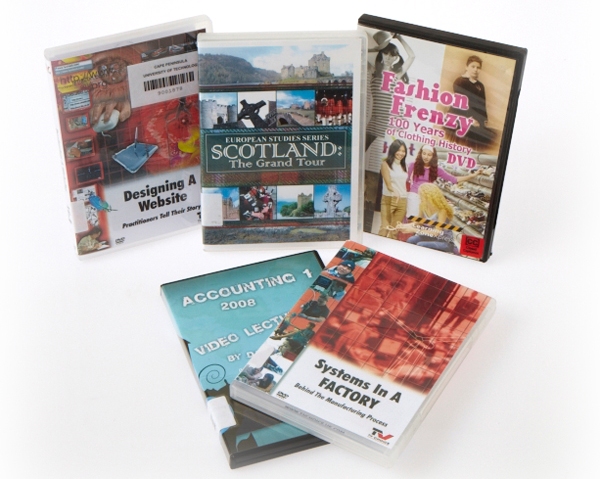
The audio-visual collection in your Library includes videocassettes, tapes (sound recordings), cd-roms, slides, microfiche, computer disks, etc., all of which can be very valuable sources for your research.

AV

How do I find these sources?

  • Visit the Audio-visual department at your Library. The staff there will assist you in finding what you need. A printed catalogue of the collection is normally available. This audio-visual catalogue is updated annually with a detailed subject index, and can be found at the Audio-visual Desk.
  • You can use the catalogue in your Library to search for audio-visual material.
  • If what you need is not available in your Library, you might be able to borrow it from another Library - ask the staff at the audio-visual desk for assistance.

Viewing facilities:

Your Library should be able to supply viewing facilities.